
Red River County Civil Docket Searches
Start with re:SearchTX, the free statewide portal. Pick the Cases tab to hunt for a file, or Hearings to find a setting. A cause number gets you straight to the docket. If you lack one, try a party name. An attorney, judge, case type, or date range works too, where the portal offers those fields. Results can return a case description. You may also see parties, counsel, the judicial officer, filings, hearings, and other docket activity.
Red River County posts no separate civil-case search form of its own. When re:SearchTX comes up empty, call the right clerk. The District Clerk keeps district civil and family files. The County Clerk holds constitutional County Court and probate matters within its stated scope. Justice Court handles small claims, evictions, and other cases within its authority.
- Identify the likely court from the filing or notice.
- Search re:SearchTX by cause number or party name.
- Check both Cases and Hearings when a date matters.
- Record the court and cause number from a likely match.
- Confirm status and copy access with the proper clerk.
Red River County Civil Court Map
Civil filings in Red River County split across several courts. The Sixth and 102nd District Courts take the broad civil and family matters. Those matters fall inside district jurisdiction. The constitutional County Court runs its own civil and probate functions under state law. Small claims go to the Justice of the Peace. Evictions and lesser civil disputes land there too. Which court gets a case depends on the claim, the relief sought, and the law. So don't guess jurisdiction from a web result; check the court itself.
| Civil lane | Starting office | Typical record |
|---|---|---|
| District civil or family | District Clerk | Petition, motion, setting, order, judgment |
| County civil or probate | County Clerk | County docket or probate file |
| Small claim or eviction | Justice of the Peace | Lower-court case and hearing record |
| Recorded deed or lien | County Clerk official records | Instrument index, not a civil docket |
Texas Government Code chapters 24, 26, and 27 lay out what each level of court covers. Confirm the actual filing court before you request a record.
Civil Dockets: What They Show
Think of a Red River County civil docket as the case's timeline. It tracks the day a petition was filed and the day an answer or motion landed. A hearing date gets a line too. So does the day the judge signed an order. It usually stops short of full text. The docket lists what happened, not every word filed. Document images and certified copies often take another step with the clerk.
| Cause number | The case identifier used by the assigned court. |
|---|---|
| Style or parties | The caption, subject to redaction and access limits. |
| Case type | The civil, family, probate, or lower-court category. |
| Filing entry | The date and description of a pleading or motion. |
| Setting | A hearing, conference, trial, or other calendar event. |
| Order or judgment | A ruling or final disposition entered by the court. |
Portal labels are a good index, nothing more. When you need the actual pleading, a signed order, or a certified judgment, the clerk's file on a Red River County case is the place that has it.
Red River County District Civil Files
Civil filings for the two district courts sit with the District Clerk. The office is at 400 N Walnut Street in Clarksville. The phone is 903-427-3761. Judge R. Wesley Tidwell presides over the Sixth District Court. Judge Jeff M. Addison presides over the 102nd. That comes from the county's own pages. Older statewide directory entries list different personnel. Trust the current county pages when routing a call about a Red River County civil docket. When you contact the office, be specific. Give the court, the cause number, the parties, the filing title, and an approximate date. The county offers no public civil docket archive online, no certified-copy request form, and no machine-readable export. So the file itself is the only route. The posted fee schedule dates to 2022. Confirm current copy and certification charges before you send payment.
What Cases Fill the Civil Docket
The district courts take the wide civil docket: broad money disputes, family and divorce matters, title-to-land cases, election contests, and anything else the law assigns them. The constitutional County Court keeps civil authority within statutory limits and handles probate and related functions. Justice Court covers small claims, evictions, and other lower-dollar civil matters under current law.
- Contract, tort, property, and district civil disputes
- Divorce and family cases kept through the District Clerk
- County-level civil and probate matters
- Justice Court small claims and eviction cases
- Appeals from lower courts where Texas law authorizes them
One caution from the County Clerk's own public page: that office does not handle divorces or child support. Start those requests with the District Clerk or another named holder of the file, not with the deed index.
Red River County Probate Boundary
Probate in Red River County sits inside the civil record lane. Its paperwork has its own requirements, though. The County Clerk offers a misdemeanor and probate copy form. It wants the Cause #, the Defendant or Deceased, and the Type of Document. You also give contact details and a mailing address. Add your certification choice, the copy count, and the amount enclosed.
Fees are listed on the form itself. A non-certified copy runs $1 per page. Certification adds $5 per document on top of that $1 per page. A separate probate fee schedule carries a 2022 date. Call the County Clerk at 903-427-2401 to confirm the current total. One more thing to know. The office says it does not have to run broad searches for you. Give a cause number and the exact document name. The request goes far more smoothly.
Red River County Civil Copy Requests
No Red River County district-court request form is posted. Build your own focused request before you contact the clerk. List the court and the cause number. Include the full case style, the filing or order name, and the approximate date. State plainly whether a plain image will do or whether you need certification. Ask if the item is public, available electronically, counter-only, or subject to redaction. With those details in hand, the District Clerk can quote the real copy and certification fee rather than guess.
A County Court probate file works differently. Use the County Clerk's misdemeanor and probate form, not the OPR and deed form. That one covers recorded instruments only. It expressly excludes probate. Hold any mailed request. Wait until the clerk confirms the page count, the amount, the payee, and how it will be delivered. These distinctions matter. A search result, a docket sheet, a document image, a file-stamped copy, and a certified copy are all different products. Knowing which one you want saves everyone time.
Red River County Official Record Divide
The county's official records and its civil docket are two different animals. County Records Online covers the first lane. It offers Search Term, recorded-date ranges, quick date filters, and a choice between index-only and OCR full-text scope. Deeds, liens, and similar recorded instruments live there. A party name or a property description may overlap with a lawsuit. That does not make the site a civil docket.
Each record answers a different question. The docket traces pleadings, hearings, rulings, and how a case ends. The official-record index traces recording events for one instrument. When a dispute touches both, run a docket search in each lane and cite every record by its own identifier. The County Clerk's OPR form asks for volume, page, grantor, grantee, book type, or document number. None of those fields will pull up a civil cause number. That is the identifier a court docket actually runs on.
Red River County Civil Search Checks
A zero result is a routing problem, not a verdict. Check the spelling and the date range. Run both the Cases and the Hearings tabs. Then work out custody. The matter may sit with District, County, Justice, probate, or the official-record index. Older cases may not be integrated, and family records can carry restricted fields.
When a match appears, compare its court, cause number, case type, parties, and filing date. Check these against any notice you already hold. Then ask the clerk to confirm current status. Saved cases, exports, and alerts help you track a Red River County civil docket over time. None of them is a certified statement from the court.
Hearings on the Civil Docket
On a civil docket, a setting can be many things. It might be a motion hearing. It could be a scheduling conference, a pretrial event, or the trial itself. Read each entry for court, date, time, and setting type. Treat it as a plan, not a promise. Continuances, settlements, orders, and courtroom changes can shift the calendar at any point.
Red River County's District Clerk page posts selected docket dates under separate Sixth and 102nd District Court headings, and its May 2026 entries show the posting method rather than a fixed calendar. Search the Hearings tab in re:SearchTX too. Call the clerk or court coordinator before travel. The judge pages list contacts in Paris and New Boston. A county setting may name a Clarksville location in the notice.
Red River County E-Filing Trail
eFileTexas is the official electronic filing workflow for supported civil, family, probate, and other categories. A filer moves through a service provider, court selection, party data, documents, service, and payment. The clerk then accepts or returns the submission. An accepted timestamp proves you filed. It does not make the filing visible on the public docket.
Attorneys must e-file in the courts and categories the statewide program lists. Non-attorneys can use the official self-help routes where those fit. Keep the accepted envelope and transaction details handy. The FAQ identifies a 2.89 percent credit-card processing convenience fee. That fee sits apart from the court's filing fee. e-recording through the County Clerk serves recorded instruments. It does not serve civil pleadings.
Who Can See Civil Dockets
Civil court records are generally public. Still, public does not mean every item sits online or unredacted. Texas Rule of Civil Procedure 76a sets a presumption of openness along with the test for sealing civil court records. Family, juvenile, protected identifiers, and records covered by another statute or order can face narrower access.
Rule 12 supplies a framework for judicial-record access. Texas Government Code section 552.0035 keeps judiciary records governed by court rules, other law, or court order rather than ordinary Public Information Act treatment.
Search caution: A missing result may reflect another court, delayed integration, older records, sealing, confidentiality, or a different identifier. Ask the custodian before drawing a conclusion.
Red River County Docket Evidence
For current Sixth District Court routing in Red River County, including contacts and docket postings, rely on the official Sixth District Court page maintained by the county.
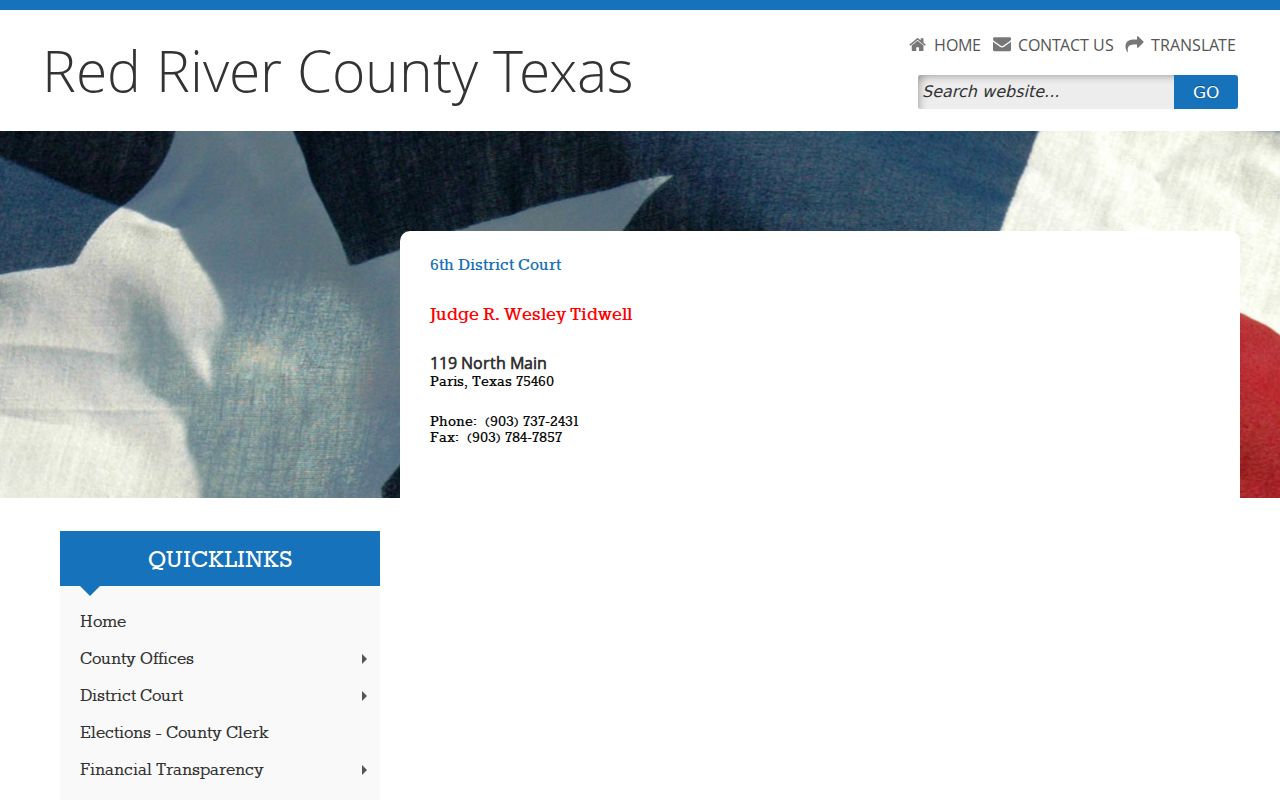
The page confirms which court you are dealing with, yet the District Clerk remains the office that keeps the docket record itself. The county home page rounds things out with a directory linking to every Red River County court office.
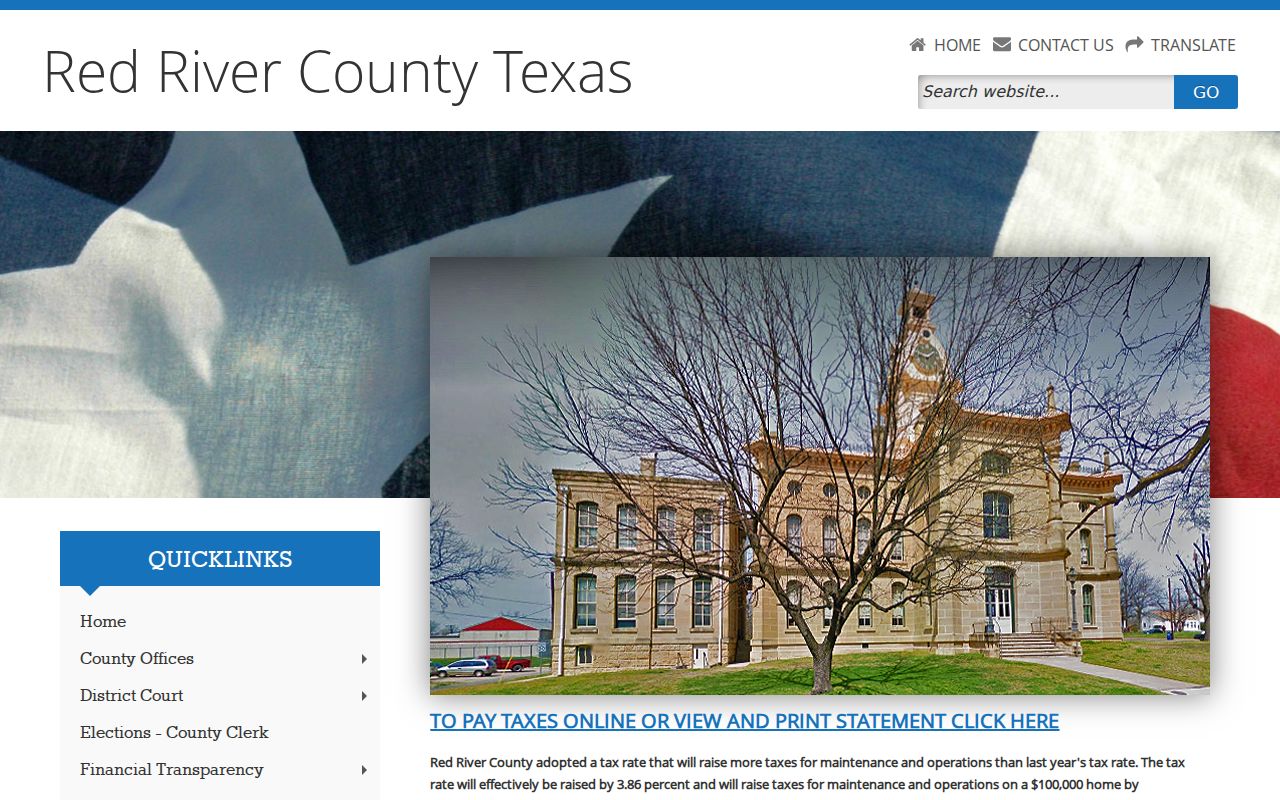
The directory reinforces why a civil docket request must be routed by court level.